Installation
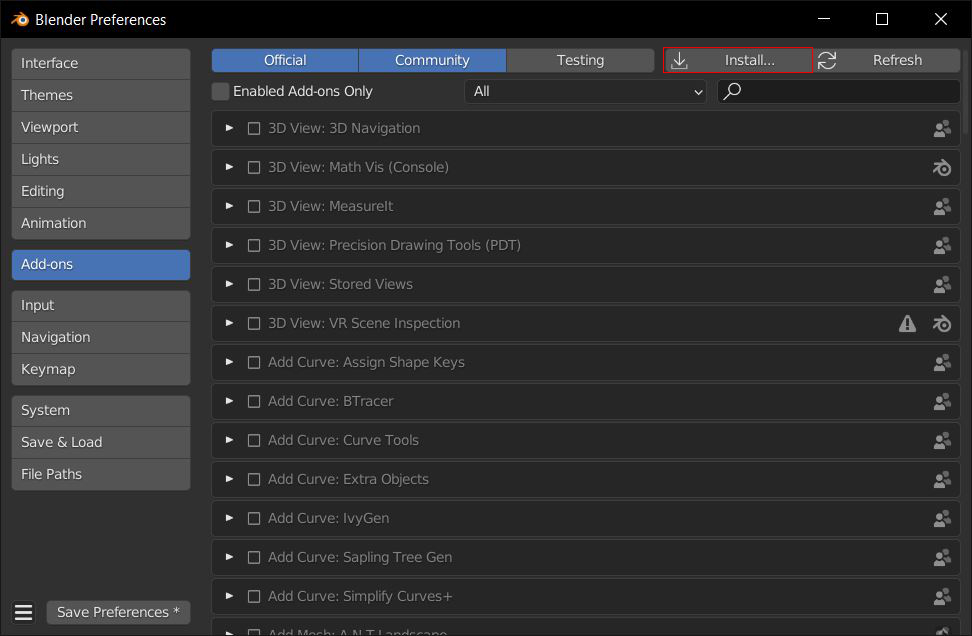
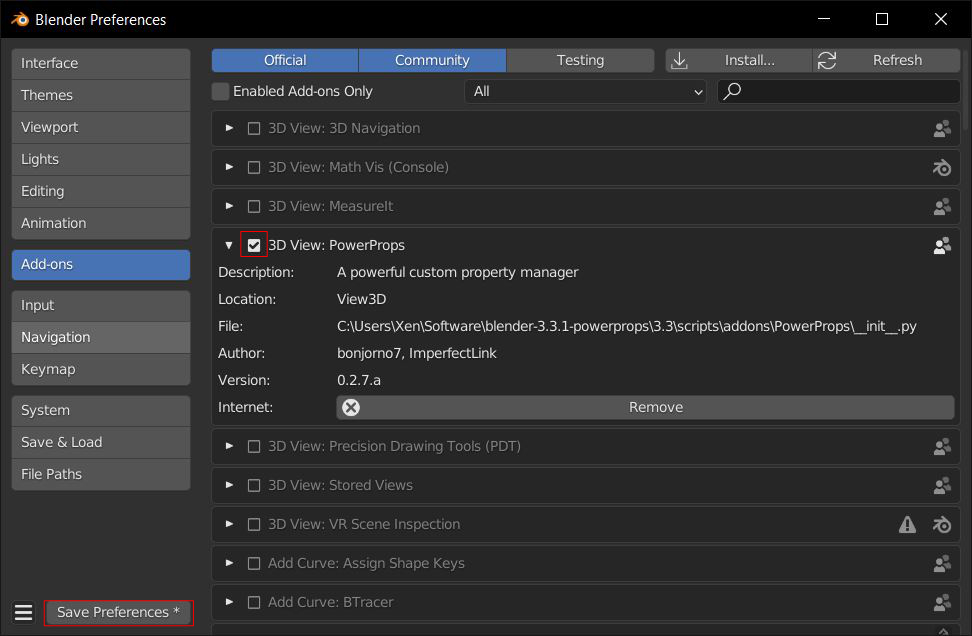
Install PowerProps in the typical way. Open up Blender preferences, click on Addons and then the Install button. Direct it to the zip file and click Install Addon. Enable the addon using the checkbox and save your preferences to ensure PowerProps will be enabled when you next open Blender.
Remove

Disable the addon using the checkbox and then click the remove button to remove the addon.
Upgrade
To upgrade to a newer version of PowerProps, you need to first remove the existing addon, restart Blender, then install the new one. This is common practice with Blender addons and may cause issues if done differently.